
JOIN OUR WAITLIST
You've been added. Thank You!
×TASCAM Mixcast 4 Podcast Workstation


4 Day Rental Price:
$62.00
The Tascam Mixcast 4 Podcast Workstation is a mixer, recorder, and USB audio interface designed for 4-person podcast recording. Key features include:
-
4x XLR inputs w/ Phantom Power
-
1/4", 3.5mm, and Bluetooth connections
-
4x independent headphone outputs
-
8x sound pads for audio effects
4-Person Podcast Studio. The Tascam Mixcast 4 Podcast Workstation does nearly everything you might need for a podcast with up to 4 speakers, with faders controlling each audio input, and four independently controlled headphone outputs, so each speaker can adjust their sound just the way they like. The Mixcast 4 connects to a computer via USB-C and is functional as a USB audio interface with most recording softwares. If you’re using condenser microphones, each of the XLR inputs has an independently switchable Phantom Power button.
Convenience and Flexibility. In addition to the four XLR inputs, the Mixcast 4 also features 1/4" and 3.5mm connections as well as Bluetooth for compatibility with most devices, for a total of 14 inputs, with audio faders for volume control. When you don’t have access to a computer, or just want a quick, portable setup, audio can be recorded directly to an SD card no larger than 512GB.
Audio Design. The eight sound pads featured on the Mixcast 4 can have different sound effects applied via Tascam’s Podcast Editor software, which also provides tools for editing and mixing audio, so no need to purchase any additional software to capture the perfect recording.
Q & A
How do I connect this to my computer?
-
Just plug the included USB-C cable into your computer!
-
Just a few microphones, XLR cables, and headphones! If you’re using the Mixcast 4 without a computer, you’ll also need an SD card up to 512GB.
-
If you don’t have a computer, we have those available to rent as well!
-
No, but you can pick up as many as you need here.
-
No, this rental only includes the Tascam Mixcast 4, but we do have XLR microphones like the Electro-Voice RE320 Dynamic Studio Mic available to rent.
Resources
| Audio Type |
Mixers & Consoles and Audio Interfaces |
| Brand |
Tascam |
| Display |
5" Color Touchscreen |
| Inputs/Outputs |
Audio Inputs
|
| Item Type |
Audio |
| Memory Type |
SD
|
| Operating Systems Supported |
Android 10 or Later |
| Phantom Power |
48 V (Selectable on Individual Inputs) |
| Physical |
Dimensions
|


TASCAM Mixcast 4 Podcast Workstation

AC Adapter - Tascam P1220E 12V Locking Barrel
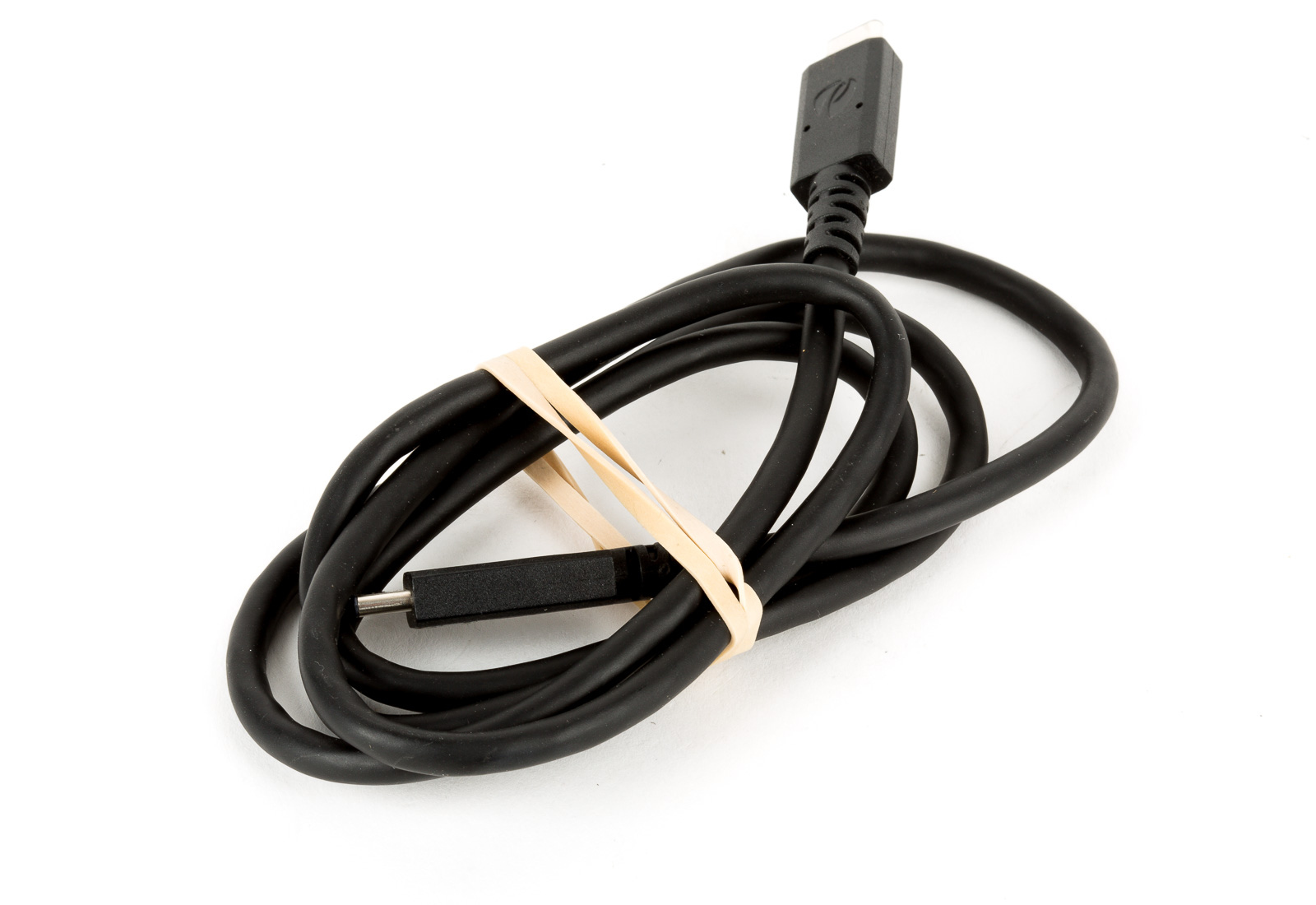
Cable - USB 2.0 Type-C to Type-C 3-foot
Case Insert - H10A-F7 Standard Accessory 1711-6

Case - SKB 1711-6 Empty (H10)